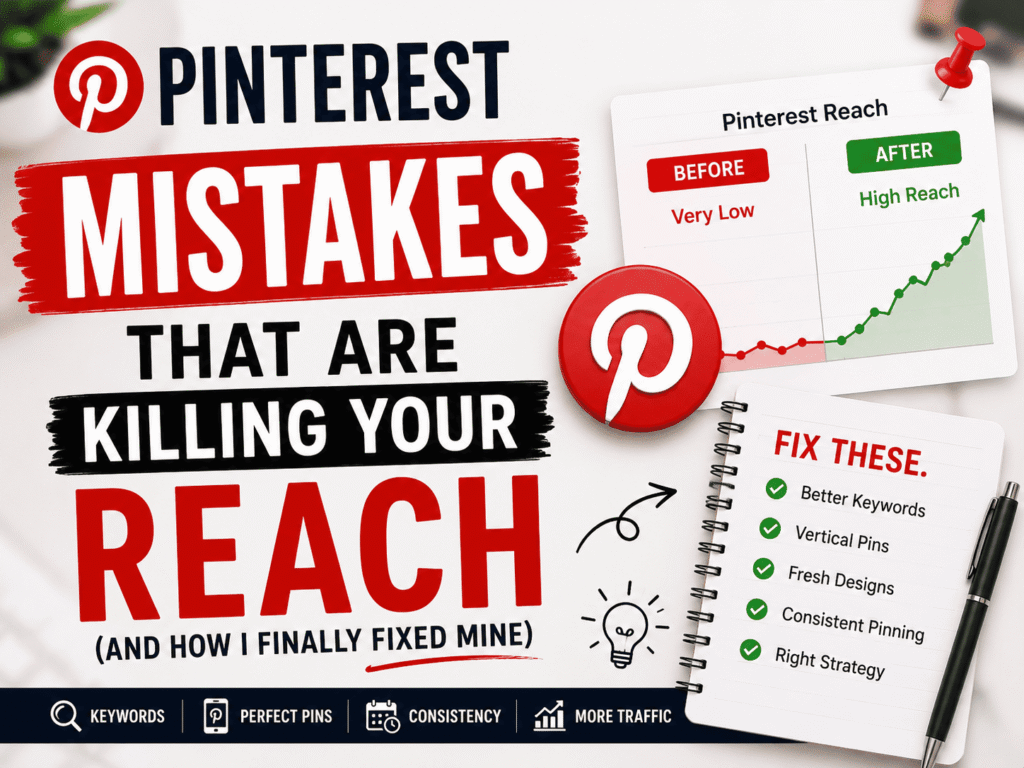
About two years ago, I was absolutely convinced Pinterest was broken. My pins were getting maybe 40–60 impressions each. I’d spend a whole Sunday batch-creating graphics in Canva, schedule them all through Tailwind, and then… crickets. My blog traffic from Pinterest had actually dropped since I started “trying harder.”
Turns out, Pinterest wasn’t broken. I was just doing almost everything wrong — and in ways that seemed logical at the time. That’s the frustrating part. Most of these mistakes feel like the right move until you dig into why they’re quietly destroying your reach.
Here’s everything I did wrong, what I learned, and what I’d tell anyone who’s staring at a flat analytics graph right now.
Why Pinterest reach is so misunderstood
Pinterest isn’t social media in the way Instagram or TikTok is. It’s a visual search engine with a discovery layer on top. That distinction matters more than most people realize. When you post to Instagram, you’re competing for a few seconds in a follower’s feed. When you pin something, you’re trying to get indexed — and stay indexed — for searches that might happen six months from now.
So a lot of the “engagement tactics” that work elsewhere actively backfire here. Pinning 30 times a day feels productive. Reusing the same image with tweaked text seems clever. Jumping on trending hashtags appears savvy. But Pinterest’s algorithm is looking for something different entirely, and ignoring that is why most people plateau.
“I used to think more pins meant more reach. Pinterest actually rewards consistency and quality signals — not volume.”
The mistakes that were quietly killing my numbers
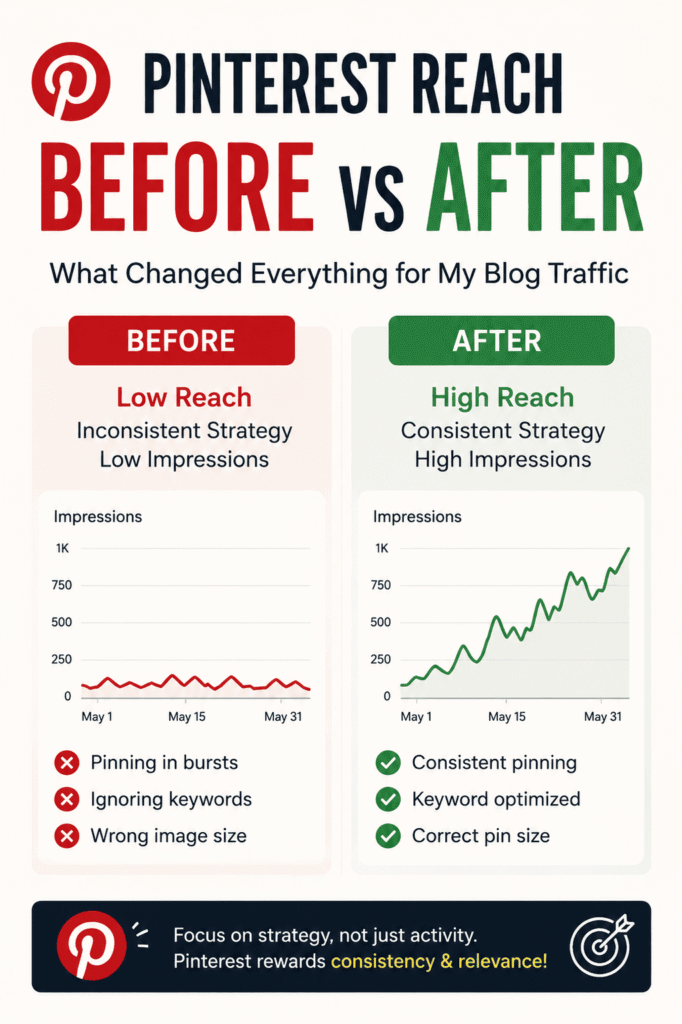
1Pinning in bursts instead of consistently
I’d go quiet for 10 days and then dump 25 pins in a single afternoon. It felt efficient. But Pinterest’s algorithm interprets that behavior as low-quality or spam-adjacent. It wants to see accounts that show up regularly — even just a few pins a day. When I switched to scheduling 3–5 pins per day using Tailwind (set and forget), my distribution started climbing within about three weeks. The content didn’t change. Just the cadence did.
2Ignoring keywords like Pinterest was Instagram
For the longest time, my pin titles were things like “My Autumn Kitchen Refresh ✨” — cute, brand-y, totally unsearchable. Pinterest needs you to think like a librarian, not a copywriter. I started using Pinterest’s own search bar to see autocomplete suggestions (free keyword research, right there), and rewrote all my titles to lead with what someone would actually type. “Small kitchen organization ideas for rental apartments” outperforms “My cozy home reset” every single time. The description field matters too — it’s not just flavor text, it’s indexable copy.
Quick fix
Open Pinterest, start typing your niche topic into the search bar, and write down every autocomplete suggestion. Those are real searches from real people. Use that exact language in your titles and descriptions.
3Pinning to irrelevant boards (or boards with bad names)
I had a board called “Stuff I Love” where I’d throw anything vaguely lifestyle-adjacent. Terrible idea. Pinterest uses your board’s title, description, and the overall category of content inside it to understand what your pins are about. If your board is a grab-bag, Pinterest can’t confidently surface your pins in niche searches. I reorganized everything into tightly themed boards with keyword-rich names — “Beginner Sourdough Recipes,” “Minimalist Living Room Decor,” that kind of thing. Each pin now goes to one specific, relevant board. Distribution improved noticeably.
4Creating horizontal or square images
This one cost me a lot. Pinterest is a vertical scroll feed and it rewards tall images. The optimal ratio is 2:3 — so 1000 × 1500px works well, and some creators push to 1000 × 2000. Wide or square images get cropped in the feed and take up less visual real estate. I used to just export my blog post featured images (which were 16:9 horizontal) directly to Pinterest. They looked tiny, got buried, and almost never got clicked. Once I started making portrait-format graphics specifically for Pinterest — using Canva templates set to 1000 × 1500px — click-throughs went up considerably. It felt like extra work at first, but it quickly became part of the routine.
2:3
Ideal pin aspect ratio for feed visibility
3–5×
Daily pin frequency sweet spot
6–8
Weeks for algorithm changes to show results
5Sending pins to a homepage instead of a specific post
I’ll be honest — I did this for months. I’d pin a recipe image but link it to my blog’s main page because it was easier. The problem is that Pinterest’s algorithm factors in what happens after someone clicks. If a user lands on a homepage, bounces within seconds because they can’t find what they were looking for, Pinterest reads that as a bad experience and reduces your distribution. Every single pin should link to the exact page it’s representing. If your pin is about a “30-day declutter challenge,” that link should open directly to your 30-day declutter post, not your homepage or a category archive.
6Not using fresh pins — and misunderstanding what “fresh” means
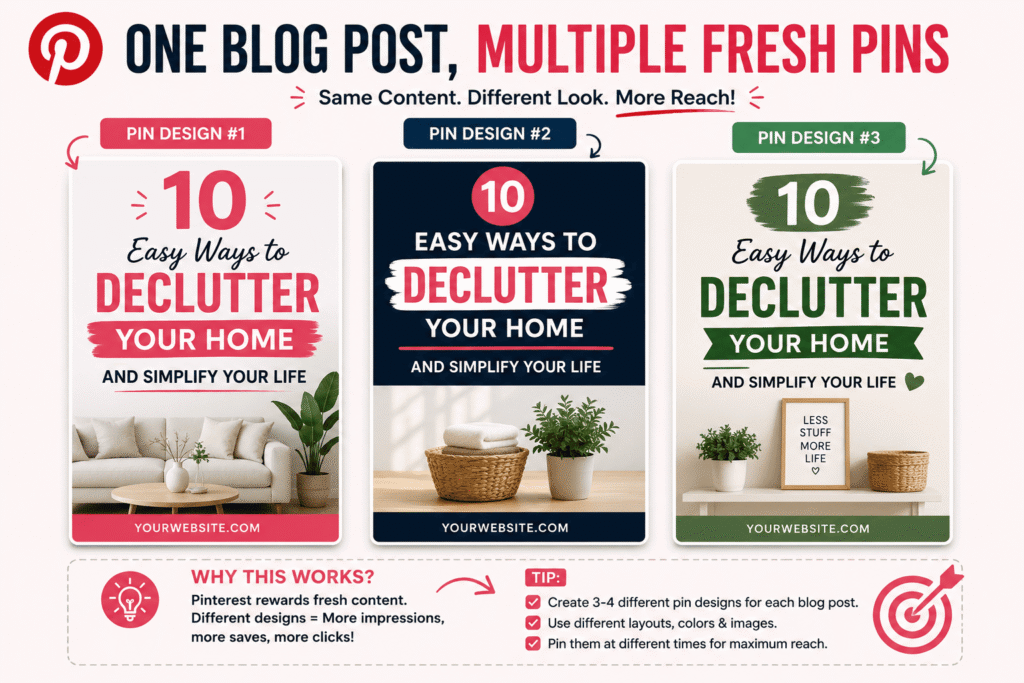
Pinterest explicitly rewards fresh content — but “fresh” doesn’t mean a brand-new post every day. It means a new image or a new pin design. You can pin the same blog post multiple times, as long as each pin has a different image. I started creating 3–4 different graphic versions for each post: one text-heavy design, one lifestyle photo, one minimalist quote-style. Each one points to the same URL but looks different. Pinterest treats these as separate pieces of content. This stretched my content library massively without me having to write anything new.
“The algorithm doesn’t care how hard you worked. It cares whether the content matches what its users are searching for.”
7Treating all boards equally (instead of nurturing core ones)
Not all boards perform the same, and I wasted a lot of time spreading pins evenly across 15 boards when really 4 of them were doing 80% of the work. Pinterest Analytics (free with a business account — worth switching if you haven’t) shows you exactly which boards are driving outbound clicks and impressions. Once I identified my three best-performing boards, I made them a priority. More consistent pinning to those, better descriptions, related cover images. The boards that had been dormant for months got cleaned up or archived. Focusing effort pays off more than spreading it thin.
8Relying entirely on repins instead of original content
Early on I’d spend ages repinning other people’s content because it felt like “contributing to the community.” And while repinning isn’t bad, Pinterest’s algorithm weights your own original pins much more heavily — especially if they’re linking to your own website. Accounts that predominantly repin others’ content tend to plateau faster. The goal is to be a creator in Pinterest’s eyes, not a curator. I capped repins at about 20% of my weekly activity and redirected that time into making original pins. The shift was noticeable within about a month.
The tools that actually helped
Tailwind — scheduling, SmartLoop for evergreen content, and Communities for organic reach. Paid, but worth it if you’re serious.
Canva — the free version handles Pinterest graphics fine. Stick to their preset Pinterest template (1000 × 1500px) and keep text large enough to read in thumbnail size.
Pinterest Analytics — switch to a free business account and check impressions, saves, and outbound clicks weekly. Don’t obsess over follower count; outbound clicks are the metric that actually matters for driving traffic.
Pinterest’s own search bar — the most underrated keyword tool in the game. Free, always current, and shows you exactly what your audience types.
What actually happened when I fixed these things
I’m not going to tell you that fixing these mistakes tripled my traffic overnight, because that’s not what happened. Pinterest takes time. It felt like nothing was changing for the first six weeks. Then around week eight, impressions started climbing. By month four, I was regularly hitting 150k+ monthly views. My top pin had been sitting at 800 impressions. A redesigned version of the same post — vertical format, keyword title, proper board — hit 22k impressions in its first 90 days.
The honest truth is that most of this isn’t complicated. It just requires unlearning some habits that feel intuitive but aren’t aligned with how Pinterest actually works.
Where to start if you’re overwhelmed
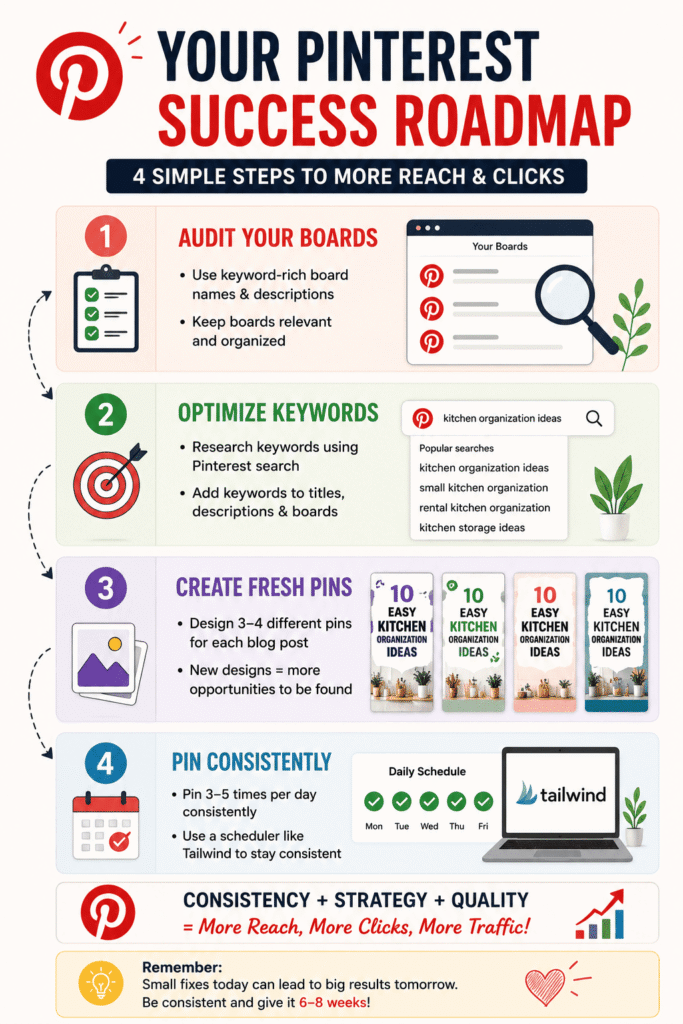
Don’t try to fix everything at once. Start here:
1. Audit your top 5 boards. Do they have keyword-rich names and descriptions? If not, edit them today.
2. Check your last 10 pins. Are they vertical (2:3 ratio)? Do the titles match what someone would search?
3. Pick one post from your archive and make 3 fresh pin designs for it. Different layouts, same URL.
4. Set up a scheduling cadence — even 3 pins a day is enough to start signaling consistency.
Small fixes compound quickly on Pinterest. Give it 6–8 weeks of consistent effort before you judge whether it’s working.